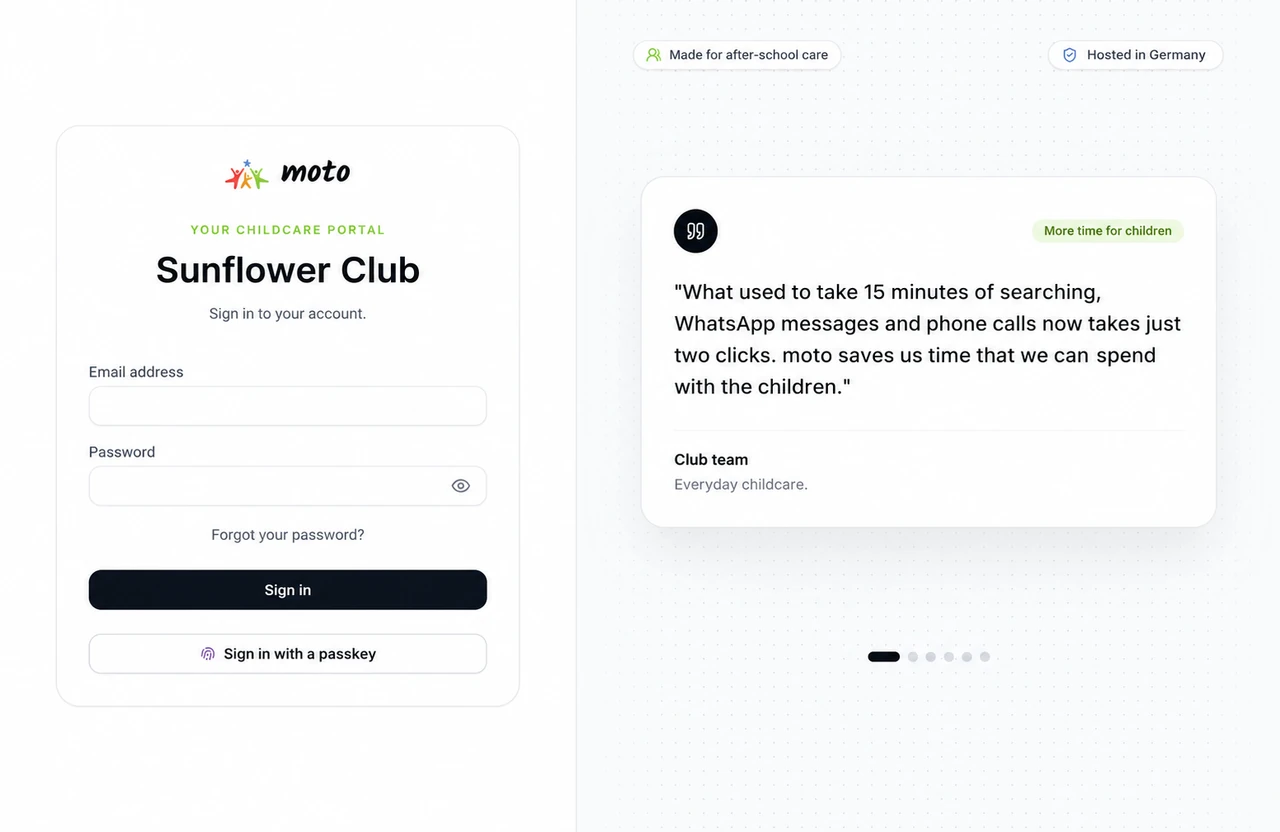
What does moto feel like during a busy afternoon? The free demo lets you explore and try many of the features of our after-school care software. Switch between the staff, management and parent views to see how children, rooms, collection details and messages come together.
Your demo school is already filled with example data. You can get started without installing anything or preparing data from your own setting. Explore the areas that interest you, and get in touch if you have any questions.
Getting started
- On the demo page, enter your email address, your club or organisation and your name, then create your demo.
- Open the link in the email.
- Choose a role and explore your demo school.
The link is valid for 14 days. You can use it to return to your demo at any time. Once it expires, simply request another free link using the demo form and carry on exploring.
Keep track of children and attendance
Start in the staff view and open the child search. Choose an example child and look at the information available: Is the child at the club? Which room are they in? What collection time has been recorded?
Try a situation from your own working day. A parent is at the door to collect their child. Where would you find the details you need for the handover? This gives you a feel for how moto can support your daily work.
Find out more about child search, attendance and the daily overview on the staff app page.
Explore rooms and other features
Next, open the room overview and compare it with the information on the child's profile. Explore how you can move from an individual child to an overview of the whole setting.
Switch to the management view too, and explore the areas for staff, planning and parent requests. There is no fixed tour to follow. Open the features that matter to your setting and try them with the example data.
Try the parent view
How do families experience communication with your club? In the parent view, you can check whether a child has arrived, what collection time is recorded and which messages are waiting.
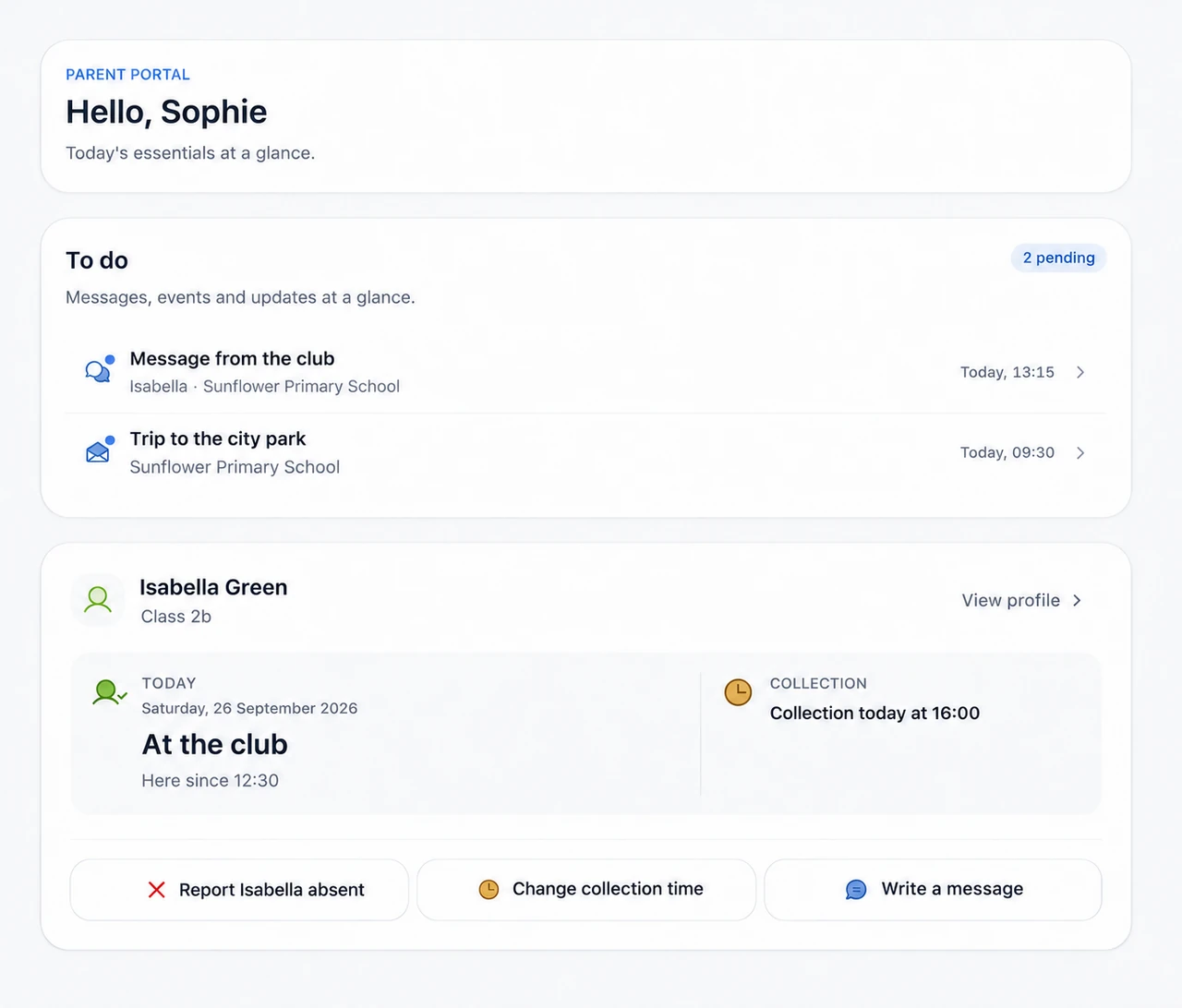
Explore the options for reporting illness, changing collection details and messaging the care team. This lets you see the processes from both perspectives. The parent app page shows more features.
Missing a feature? Ask us.
The demo gives you a first impression of the system. It shows many features, but not everything the platform can do.
moto already supports many of the requirements that clubs and providers encounter in their daily work. If you cannot find a feature or a particular process in the demo, ask the moto team. Tell us what you need. We will show you the available options and how they can fit your setting.
For more information about the platform, see the frequently asked questions.